 blog.mudkip.email
fn@mudkip.email
Vibe-Flashing the Nexus 7 with LineageOS
Vibe-Flashing the Nexus 7 with LineageOS
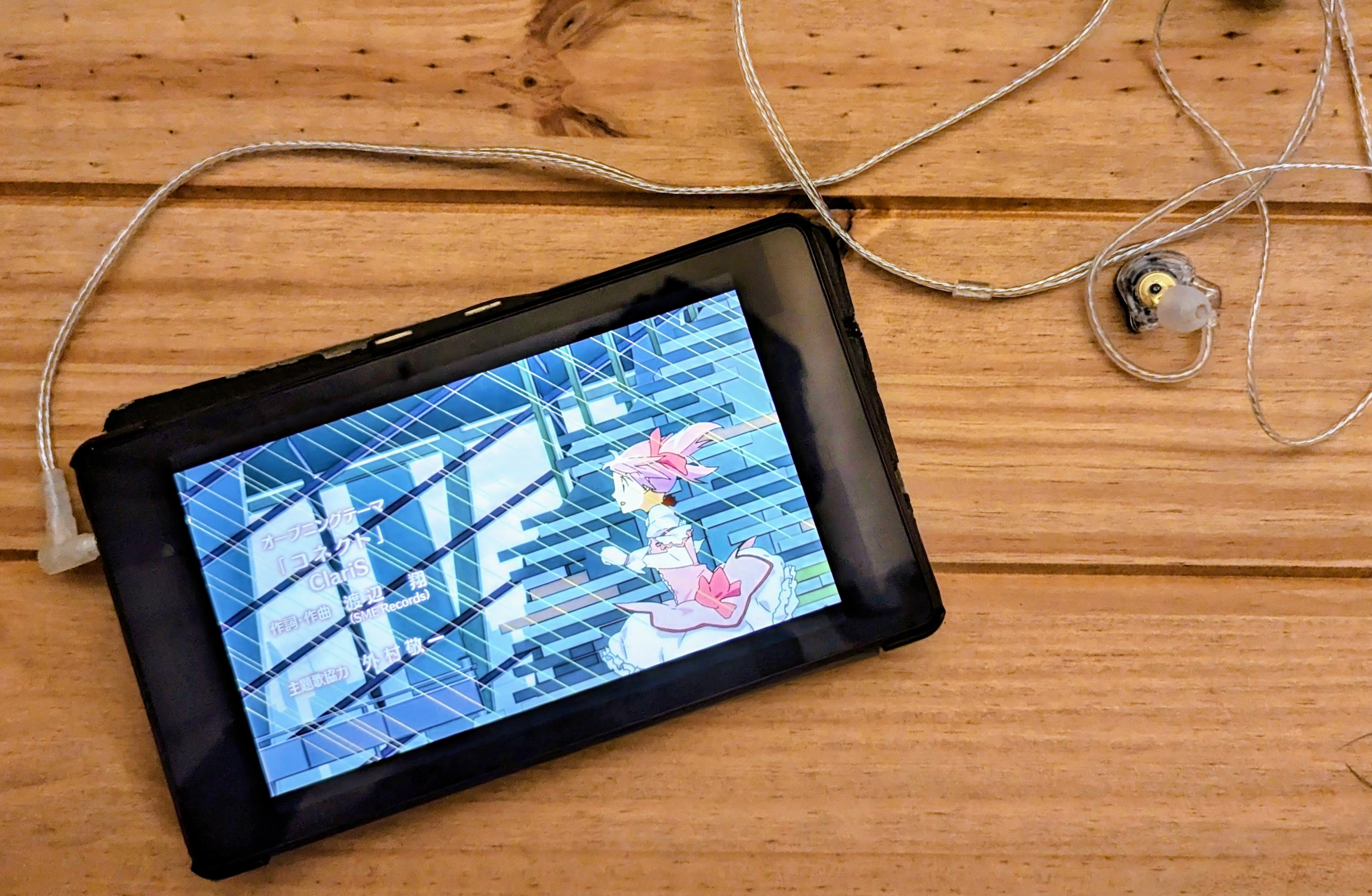
My dad asked me if I wanted his old Nexus tablet, and I said yes because at the very least I could harvest its screen, take it apart and generally render it useless as a side effect. But then I wondered if some alternative OS would work on it instead.
Having enjoyed messing with the PinePhone beta, I wanted to give PostmarketOS a try, 7 short years later, but it was not to be. PostmarketOS support for flo is patchy by the wiki’s admission, and before I could get far enough down the line to experience the reported WiFi driver issues, I gave up on the installation. It’s worth noting it has been done, but I figured I would try it on a more modern and well-supported device (later), instead turning to LineageOS.
The Year of the Linux Mobile
When you see this elegant little device, there’ll be no doubt in your mind whatsoever that it is Year of the Linux Mobile.
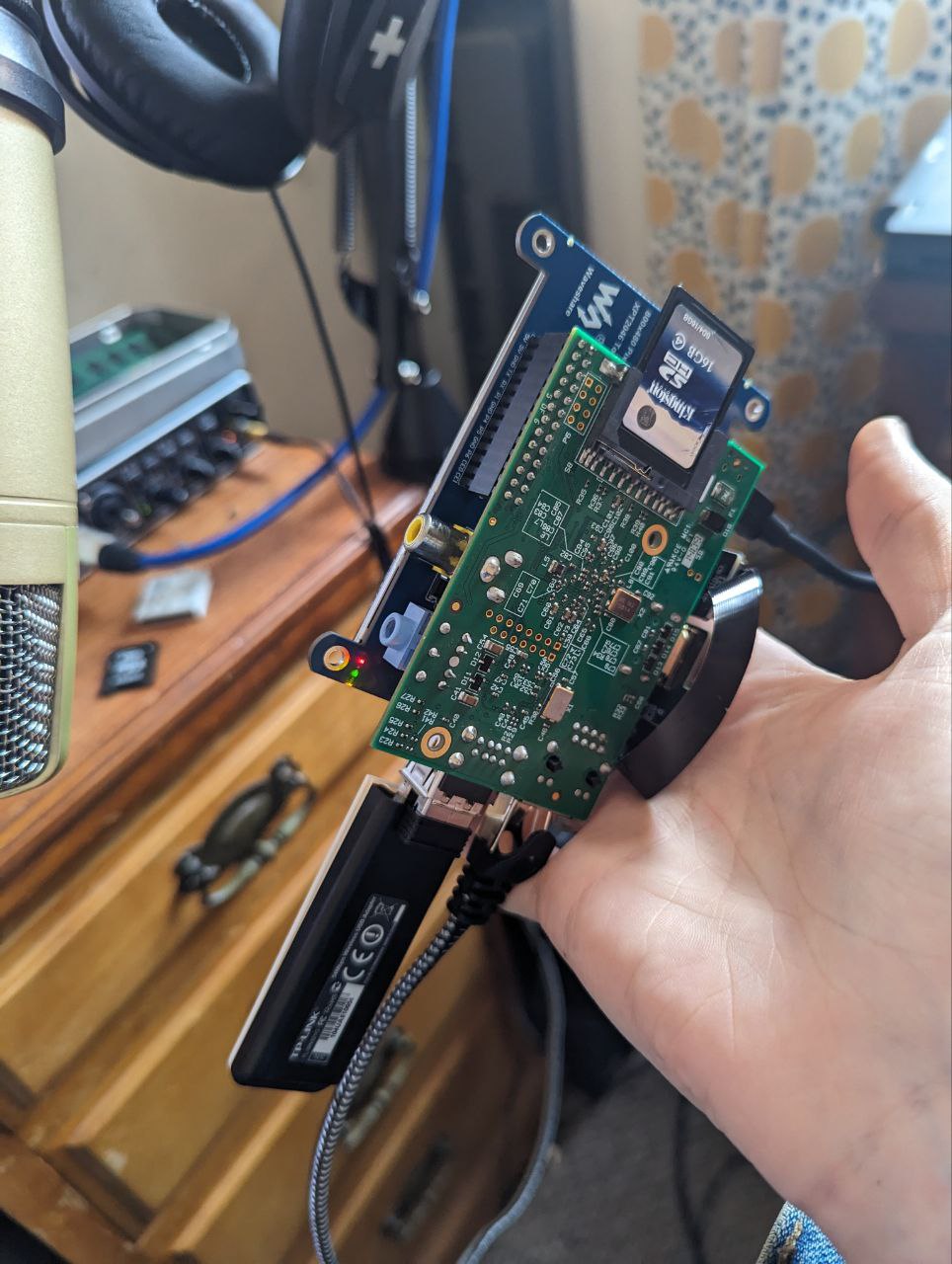
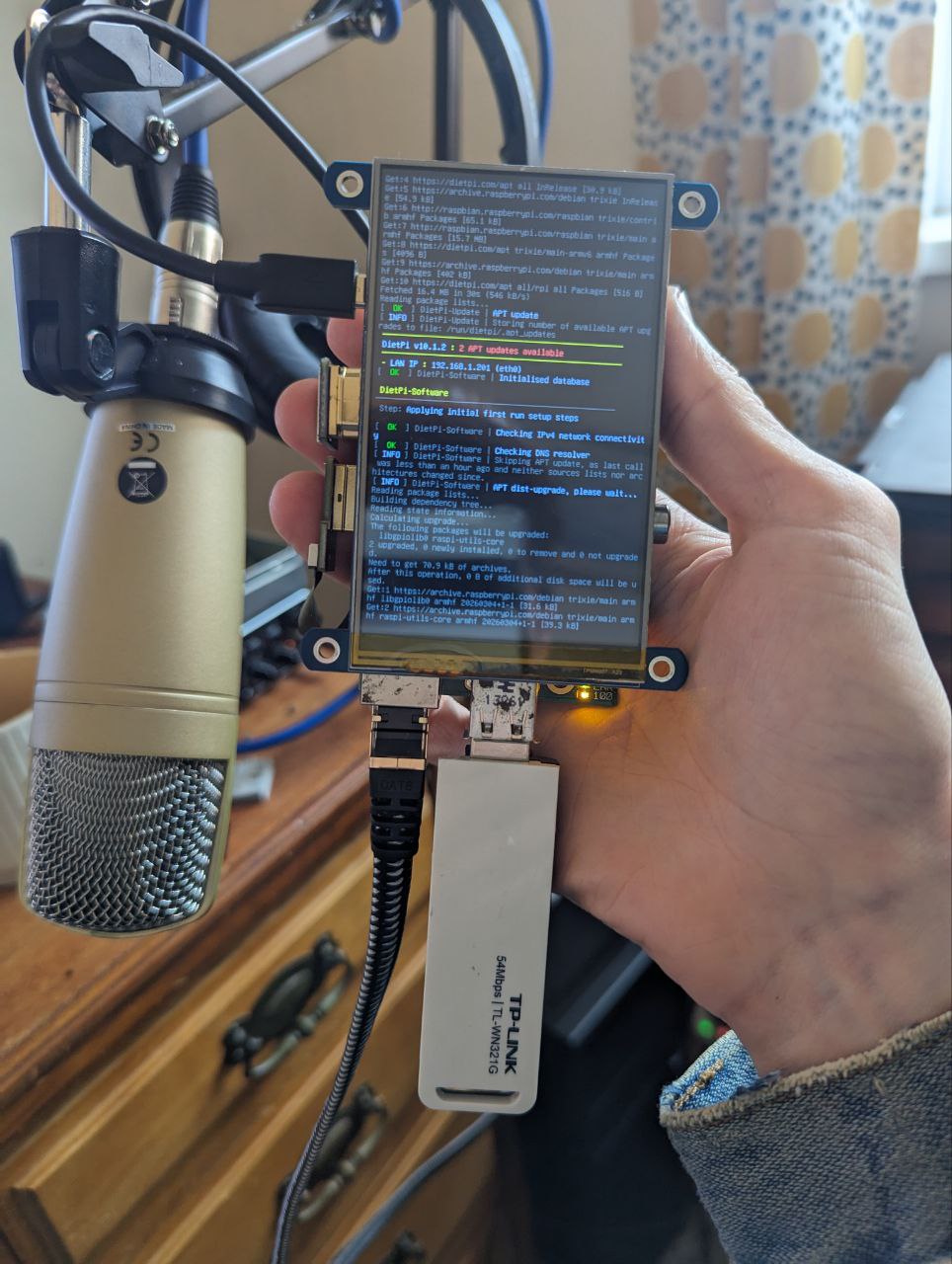
Here we’ve got a Raspberry Pi 1 - the original Model B from 2011, slotted onto a 4" Waveshare touchscreen, powered by a power bank. You may have noticed that aside from the wiring the most striking feature is surely the TP-Link wireless dongle.
On the software side, it’s running DietPi with a custom window manager (WIP for now) with a phone-like home screen, one active app at a time, and a bottom bar to switch between the menu and minimized windows. Aside from bug fixes (making it work in any practical sense), a feature I’ll need is an onscreen keyboard. At the moment I’ve got a bluetooth dongle next to the wifi dongle to talk to a tiny keyboard.
…Rewired Pro Micro on the 40% build
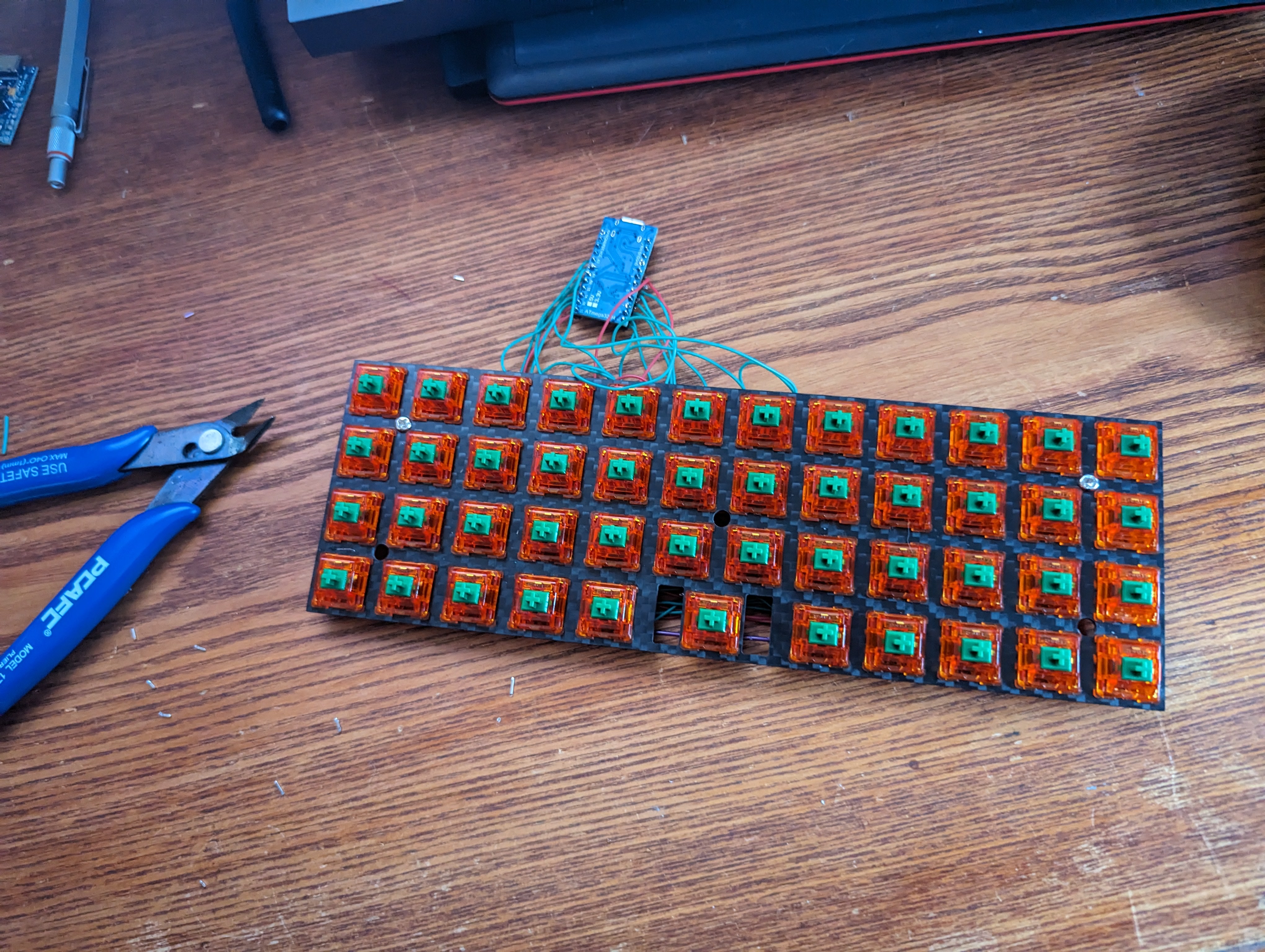
Despite how it looks, now it’s wired with 30 AWG silicon wire, the sprawling mess of the microcontroller is a lot more manageable than the last iteration. It’s possible to get it flat against the back of the board and pretty comfy with just a couple of standoffs in the 2 top screw holes on the left and right.
For a case, since it’s the jj40 plate, I assume this 3D-printable one is an option, but I don’t want to fix the pro micro in place until I have it handy to test alignment with the port hole.
…Dissecting the failed 40% build
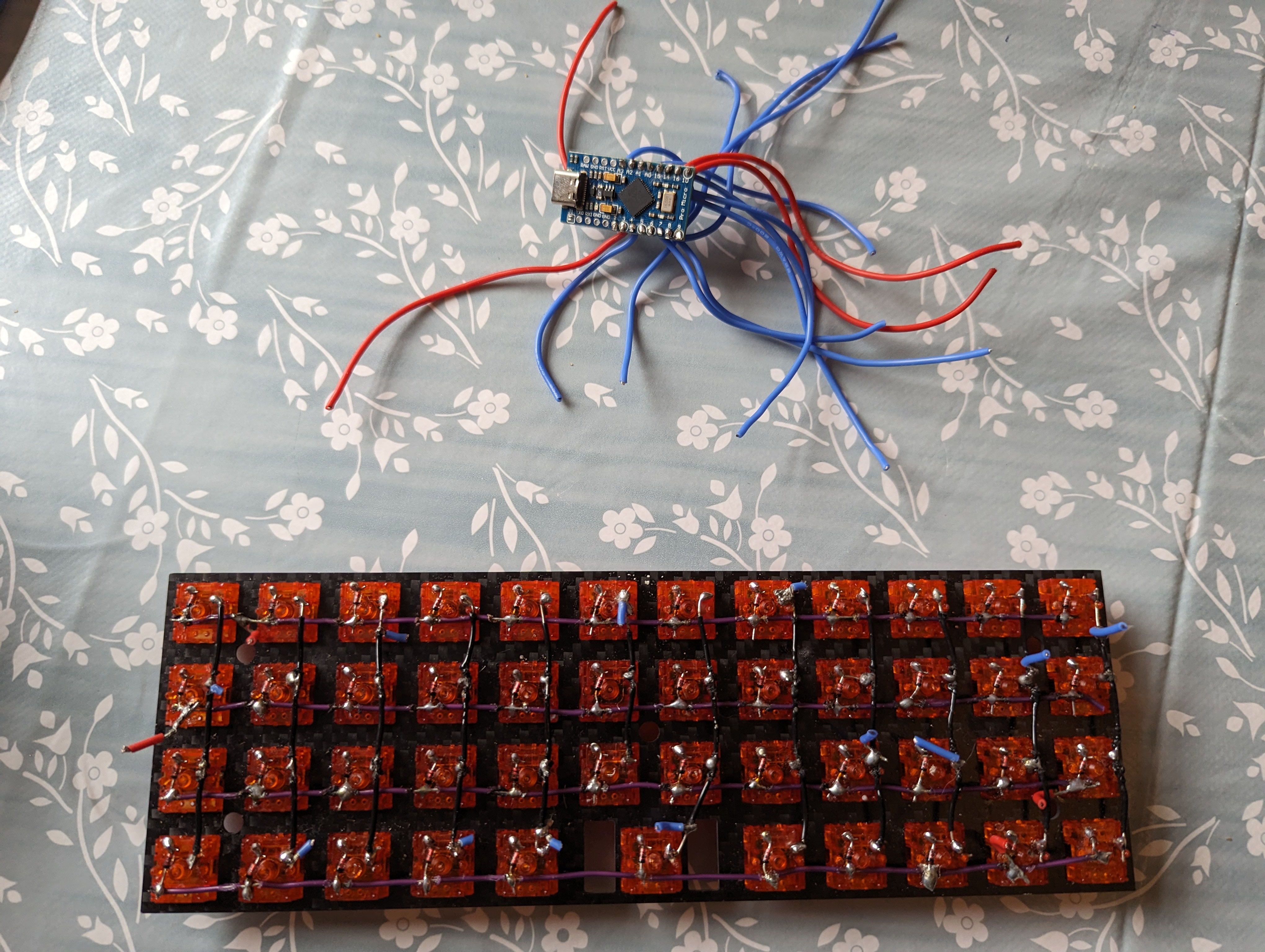
I’m revisiting my attempted 40% build, which has the rows and columns wired in but used thick wires for the microcontroller which made it impossible to sit flush. Snipped them all out and will continue with some very thin wire
…Keyboard FeatherWing HW: Viability and Drop-In Reality
I reviewed Arturo182’s keyboard_featherwing_hw project as a candidate shortcut for handheld keyboard-first builds.
The core idea
This board packs a thumb keyboard, a 2.6in 320x240 color LCD with resistive touch, microSD, extra buttons, and small peripherals onto a FeatherWing footprint.
The important caveat is simple: this board is not a standalone computer. You still need a compatible Adafruit Feather host MCU board.
What’s Feather?
Feather is a family of mainboards and daughterboards designed to stack together, all with compatible footprints and interfaces. At a glance it seems like a good way to drive peripherals for the handheld Linux terminal project.
…Messy first draft for 30% keyboard layout
In preparation to build a gherkin-like board, I’m drafting a layout.
Legend
⇧ shift↵ return⇪ up layer␠ space⌘ super⌃ ctrl⌥ alt· unassigned← ↓ ↑ → arrows⌫ backspace⎋ esc
L1
Q W E R T Y U I O P
A S D F G H J K L ↵
Z X C V ⎋ ␠ B N M ⌫
hold ⎋ for fn
hold ␠ for L2
Pi Zero Pocket Terminal with a BlackBerry Keyboard
I have been sketching a handheld terminal build that feels closer to a BlackBerry than a generic mini cyberdeck: pocketable, keyboard-first, and practical to daily-carry.
The current target is a Raspberry Pi Zero 2 W paired with a BlackBerry Q10 keyboard and a small HDMI display. The planning pass answered three key questions: screen size, missing parts, and what a realistic full BOM looks like.
Design targets
- Form factor: one-hand/pocket-friendly, keyboard-first.
- Display sweet spot:
3.7"to4.0"for a BlackBerry-like feel. - Resolution target: at least
480x800(or720x720if panel options make sense).
Below 3.5" gets cramped for terminal work unless fonts are tiny. Above 4.3" starts to feel less “phone-like” and drives enclosure size up quickly.