 blog.mudkip.email
Vibe-Flashing the Nexus 7 with LineageOS
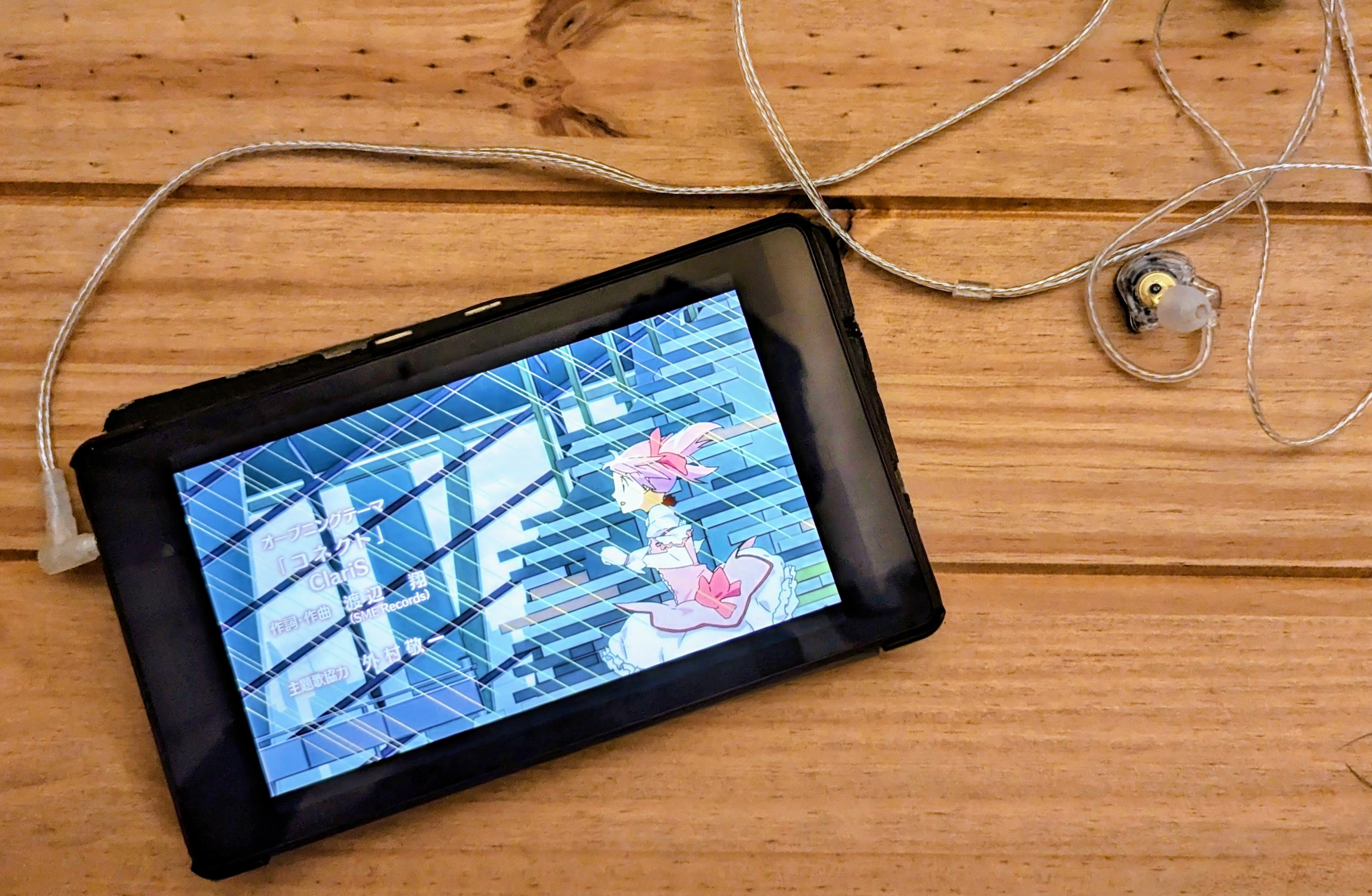
Vibe-Flashing the Nexus 7 with LineageOS
My dad asked me if I wanted his old Nexus tablet, and I said yes because at the very least I could harvest its screen, take it apart and generally render it useless as a side effect. But then I wondered if some alternative OS would work on it instead.
Having enjoyed messing with the PinePhone beta, I wanted to give PostmarketOS a try, 7 short years later, but it was not to be. PostmarketOS support for flo is patchy by the wiki’s admission, and before I could get far enough down the line to experience the reported WiFi driver issues, I gave up on the installation. It’s worth noting it has been done, but I figured I would try it on a more modern and well-supported device (later), instead turning to LineageOS.
Sick of pmbootstrap, I fired up Codex to vibe-flash LineageOS. Specific fiddlings aside (maybe they’ll help you), the actual important thing I learned was that you need to find a way to remove yourself physically from the process.
Working with hardware means intervening with button presses and reboots, putting the damn thing in recovery mode then bootloader mode… and in the end, adb shell was what really allowed it to be fully vibe-flash automated, because Codex just hooked into that instead of asking me for manual IRL adjustments. (There’s a similar story about hacking the firmware of a diesel heater with OpenCode on episode 658 of Linux Unplugged.)
Technical details: what actually worked on the Nexus 7 (flo)
The eventually successful path was repartitioning /system so the modern Lineage block image could fit.
Failure before the fix was E1001: Failed to update system image during recovery install.
Update recovery tool
I switched to TWRP3.7.0_9-0-flo(older3.2.2-0was unreliable for this build generation).Repartition with REPIT
I installed:lanchon-repit-20210221-system=max-cache=16M+wipe-flo.zip
This expanded/systemto ~1504 MiB and shrank/cacheto 16 MiB.adb push /tmp/lanchon-repit-20210221-system=max-cache=16M+wipe-flo.zip /tmp/ adb shell 'twrp install /tmp/lanchon-repit-20210221-system=max-cache=16M+wipe-flo.zip' adb reboot recovery adb wait-for-recovery adb shell 'blockdev --getsize64 /dev/block/mmcblk0p22'
Expected /system size check result: 1577058304 bytes.
NOTE: a similar style fix may have worked to get over the pmOS barrier too, which was also erroring with partition sizes
Do a clean install prep after repartition
adb shell 'twrp format data'
adb reboot recovery
adb wait-for-recovery
adb shell 'twrp wipe system'
adb shell 'twrp wipe cache'
Sideload LineageOS 22.2 (
flo)adb sideload /home/fn/lineage_flo/lineage-22.2-20251209-UNOFFICIAL-flo.zipFirst boot and post-install bring-up over ADB shell
adb shell svc wifi enable
adb shell cmd wifi connect-network "<SSID>" wpa2 "<passphrase>"
adb shell cmd wifi status
Install Termux
curl -fL --retry 3 --output /tmp/com.termux_1002.apk https://f-droid.org/repo/com.termux_1002.apk
adb install --no-streaming -r /tmp/com.termux_1002.apk
adb shell pm list packages com.termux
NOTE: Termux crashes as soon as it opens. I’ve tried various .apk versions and the F-Droid package, but can’t get it to fire up.
After issuing the command to Codex and going for my dinner, I came back to find the tablet booted successfully into lineage-22.2-20251209-UNOFFICIAL-flo.zip, post-setup complete, and WiFi autojoined via shell commands.
I asked Codex to summarize what it had done and thought it’d be handy to publish for others.